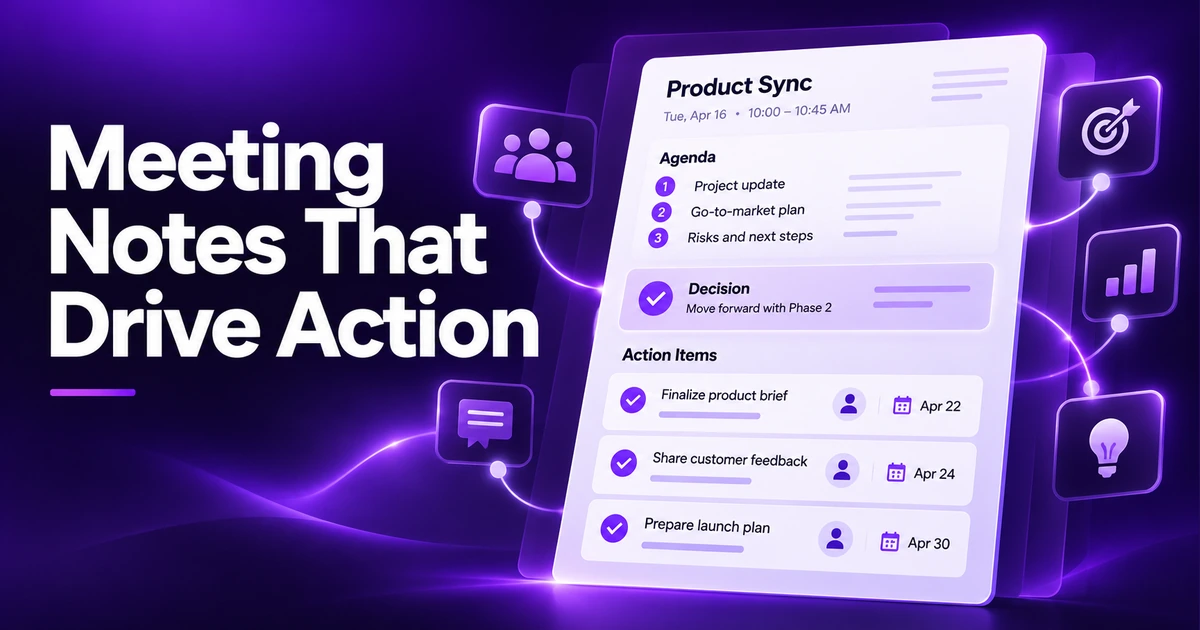
A meeting without notes tends to happen twice: once in the room, and again a week later when nobody can remember what was decided. Good meeting notes don't need to be long. They need to answer three questions clearly – what did we decide, who is doing what, and by when? This guide gives you a free meeting notes template you can copy, plus the habits that make notes worth reading.
The free meeting notes template
Copy this into a new note before your next meeting and fill in the top section in advance:
MEETING: [Name / purpose]
Date & time:
Attendees:
Note-taker:

AGENDA
1.
2.
3.

DISCUSSION (key points only)
1. [Agenda item]
   -
2. [Agenda item]
   -

DECISIONS
- [Decision] – agreed by [who]

ACTION ITEMS
- [ ] [Task] – Owner: [name] – Due: [date]
- [ ] [Task] – Owner: [name] – Due: [date]

OPEN QUESTIONS / PARKING LOT
-

NEXT MEETING:
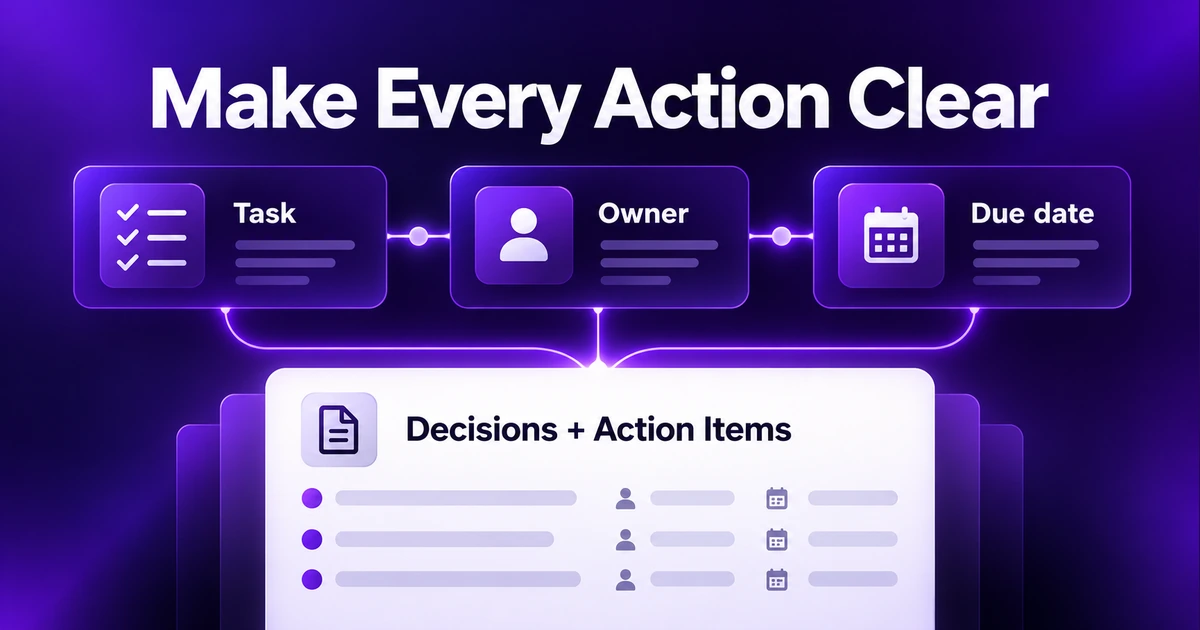
The sections that matter most are Decisions and Action items. If you only have time to capture two things, capture those.
Before the meeting: prepare the note
Fill in the basics
Add the meeting name, date, attendees and agenda before it starts. If there's no agenda, write down the purpose in one sentence – it helps keep the discussion, and your notes, on track.
Agree who takes notes
When everyone assumes someone else is writing things down, nobody is. Name a note-taker at the start, and rotate the role in recurring meetings.
Review the last meeting's action items
Paste open action items from the previous notes into the agenda. Checking on them first keeps tasks from quietly disappearing.
During the meeting: capture outcomes, not conversation
Don't write a transcript
Meeting notes aren't a record of who said what. Summarize each discussion in a line or two, and focus on the outcome. "Discussed launch date; agreed to move to March 3 because of supplier delay" is more useful than a page of back-and-forth.
Write decisions explicitly
When the group agrees on something, say it out loud and write it down: "So we've decided to…". This helps avoid two people leaving with different versions of the same decision.
Every action item needs an owner and a date
"Look into pricing" is a wish. "Priya – compare three pricing options – by Friday" is a task. If the owner or date is missing, ask before moving on.
Use a parking lot
Good ideas that are off-topic go in a parking lot section. They're captured without derailing the meeting, and you can schedule them later.
After the meeting: share and follow up
Clean up within the hour
Fix typos, fill in anything you abbreviated and make sure every action item has an owner and due date. Notes cleaned up right away are far more accurate than notes reconstructed the next day.
Share them quickly
Send the notes to attendees (and anyone affected who wasn't there) while the meeting is still fresh. With a free Notepadle account, you can share a note by link or send it by email, so everyone sees the same version. Keep the most important part – decisions and action items – at the top of the message.
Turn action items into your own tasks
Copy your own action items into your to-do list, so they don't live only in the meeting notes.
Organizing meeting notes over time
- Use a consistent title: "2026-11-19 – Marketing weekly" sorts neatly and is easy to search.
- One category for work, and tags for projects or teams (#launch, #hiring, #client-acme).
- Pin the current notes for recurring meetings so you can find last week's action items instantly.
- Search beats folders: in Notepadle, press Ctrl + K and type a project name or a person to find every related note.
Special cases
One-to-ones
Keep a single running note per person, with the newest meeting at the top. It makes it easy to see recurring topics and follow up on past commitments. Because one-to-ones often contain personal or sensitive topics, consider locking these notes – our guide to password protected notes explains how.
Formal minutes
Boards, committees and some organizations need formal minutes, which typically record attendance, motions, votes and exact wording of resolutions. The template above is a good starting point, but follow your organization's required format.
Brainstorming sessions
Here, capturing ideas matters more than decisions. List ideas quickly without judging them, then end with a short "next steps" section so the session produces something actionable.
Why it's worth getting right
Clear meeting notes save time in every follow-up conversation, help people who couldn't attend and create a searchable record of why decisions were made. They're also one of the easiest note-taking habits to improve. For a structured approach to other kinds of notes, try the Cornell method or the general habits in how to take better notes online.
Example: filled-in meeting notes
Here is what the template looks like after a short (fictional) project meeting. Notice how brief the discussion section is compared with the decisions and actions:
MEETING: Website refresh – weekly check-in
Date & time: 2026-11-19, 10:00
Attendees: Priya, Sam, Lee
Note-taker: Lee

AGENDA
1. Homepage design options
2. Launch date
3. Open actions from last week

DISCUSSION
1. Homepage – option B preferred: clearer sign-up button
2. Launch – supplier delay on photos; March 3 is realistic

DECISIONS
- Go with homepage option B – agreed by all
- Launch moves to March 3

ACTION ITEMS
- [ ] Send option B to developer – Owner: Sam – Due: Nov 21
- [ ] Confirm new photo delivery date – Owner: Priya – Due: Nov 20
- [ ] Update launch plan and share – Owner: Lee – Due: Nov 24

PARKING LOT
- Blog section? Revisit in January

NEXT MEETING: 2026-11-26, 10:00
Anyone who missed the meeting can read this in under a minute and know exactly what changed and who is doing what.
Meeting notes etiquette
- Record decisions and responsibilities, not personal remarks or side comments.
- If something sensitive was discussed, check before sharing notes widely.
- Use names consistently, so search finds every action someone owns.
- Correct mistakes openly – reply with the fix rather than silently editing a note others have already read.
Frequently asked questions
What should meeting notes include?
At minimum: the meeting name, date and attendees, the key points of each agenda item, the decisions made, and action items with an owner and due date. Open questions and the date of the next meeting are useful extras.
What is the difference between meeting notes and minutes?
Meeting notes are an informal summary focused on decisions and next steps. Minutes are a more formal, official record, often required for boards and committees, that may include attendance, motions, votes and exact resolutions.
How do I take meeting notes while participating?
Prepare the note in advance, write only outcomes rather than full discussions, and pause briefly to confirm decisions and action items out loud. Clean up the notes right after the meeting while it's fresh.
How long should meeting notes be?
As short as possible while still clear. For most meetings, a one-line summary per agenda item plus the decisions and action items is enough.
How soon should I send meeting notes?
Ideally within a few hours, and no later than the next working day. The sooner notes are shared, the more accurate they are and the faster action items get started.
Who should take meeting notes?
Ideally one named person per meeting, agreed at the start. In recurring meetings, rotating the role spreads the work and keeps everyone engaged. The chair or facilitator can take notes in small meetings, but in larger ones it helps if the note-taker isn't also running the discussion.